How to Use Auto Rules
Racerads Academyby: Racerads Academy
Categories:Advertisers
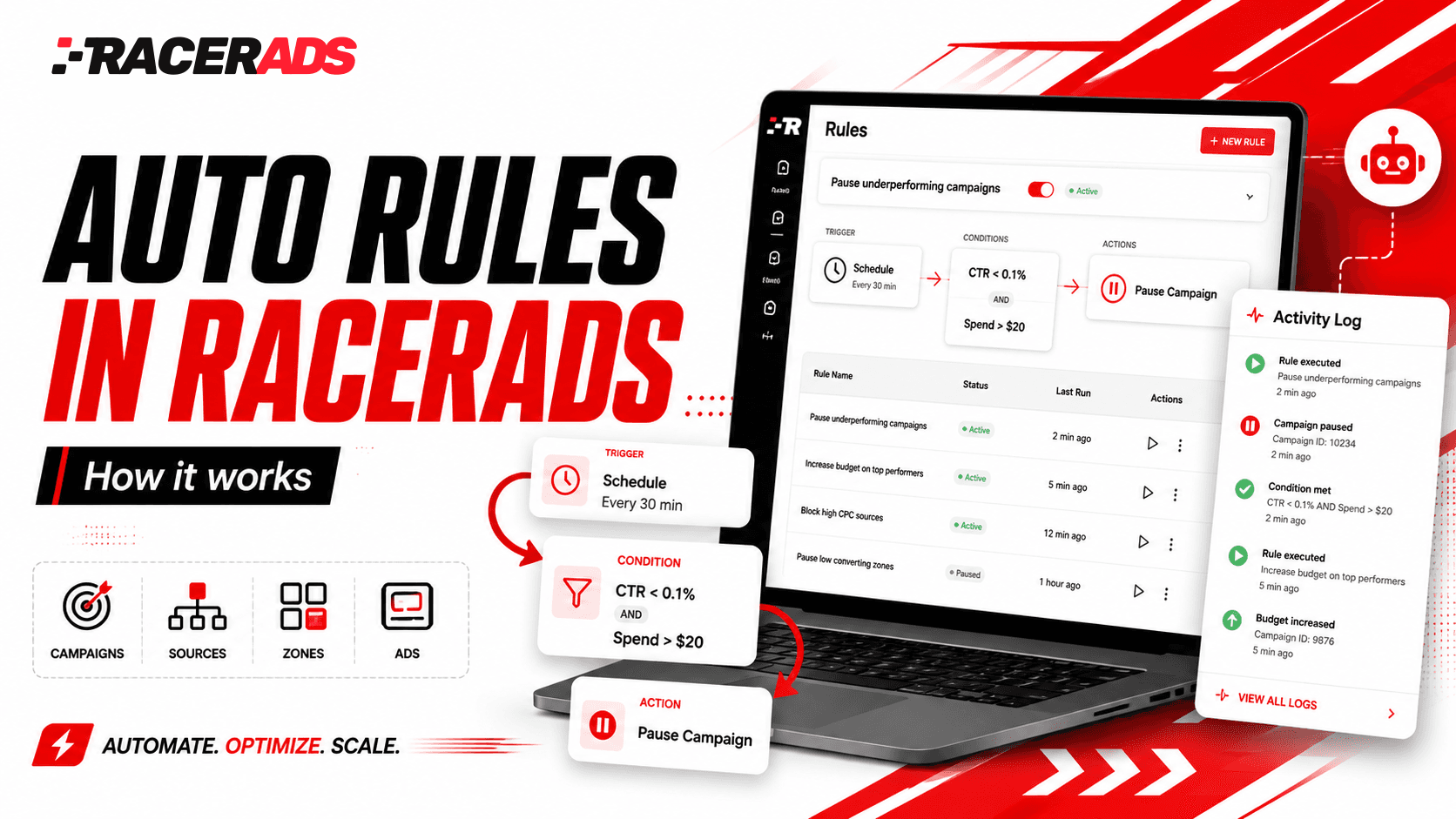
Manual campaign optimization can take a lot of time, especially when you manage multiple campaigns, sources, zones, and ads at the same time.
Auto Rules in Racerads help simplify this process. Instead of checking performance manually and repeating the same actions again and again, you can set rules once and let the system monitor statistics for you.
In this video, we show how Auto Rules work in practice: how to create a ruleset, set conditions, choose the right actions, and track completed changes in the Activity log.
Watch the video to learn how to automate routine optimization tasks and manage campaigns more efficiently with Racerads.